


Recruiting automation software: What it is and how to choose

Updated November 5, 2026

On this page
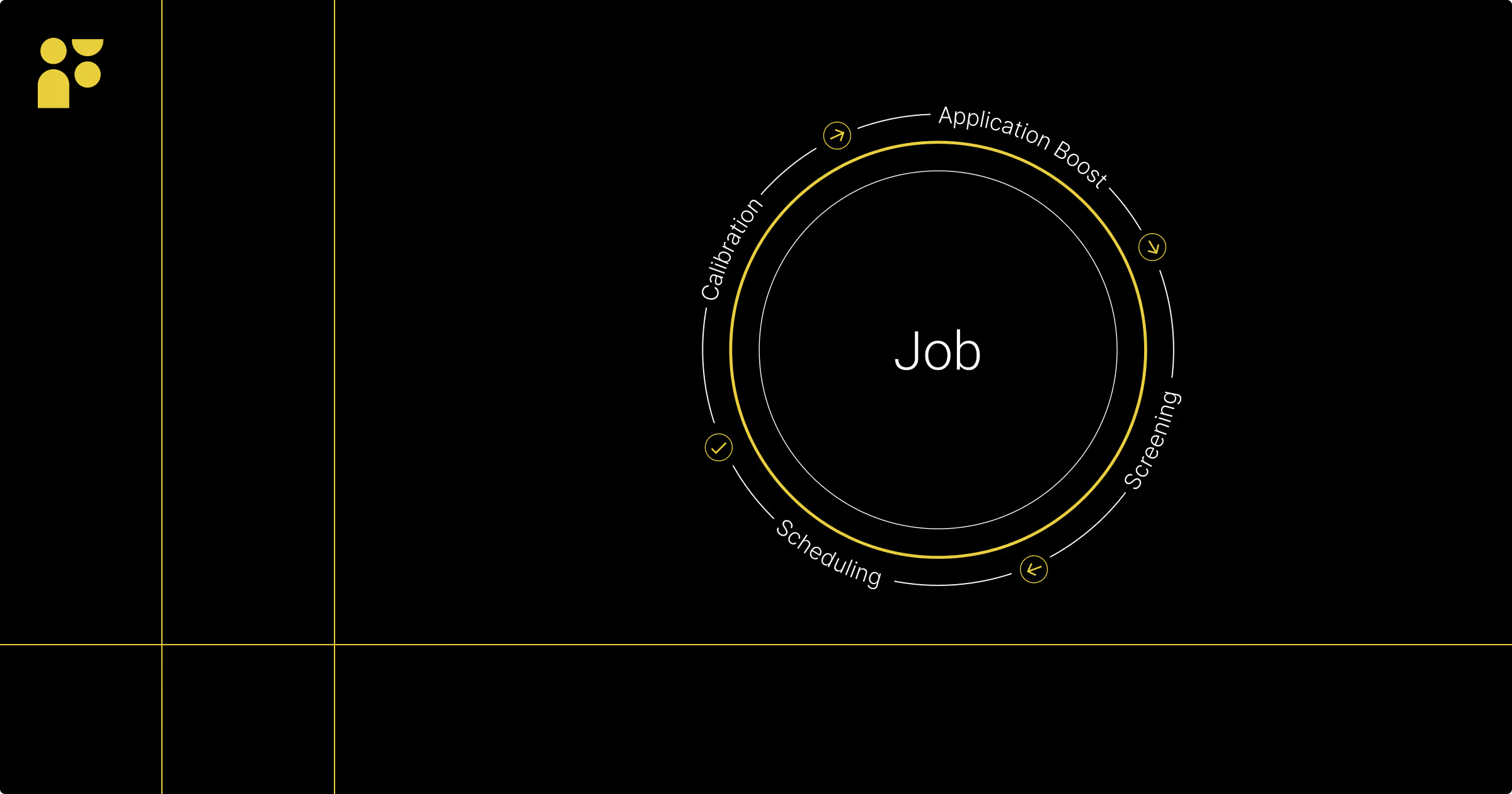
Recruiting automation is the use of software to run repetitive recruiting tasks, such as sourcing, outreach, screening and interview scheduling, without manual work at each step. Recruiters set the rules and review the results. The software does the searching, sending, sorting and booking in between.
Recruiting automation software is the product that runs this work, usually alongside your ATS and recruiting CRM. Choosing one comes down to which steps it covers, how well it connects to those systems, the quality of its data, and where people review its output.
It's not enough to post jobs and wait for qualified applications to arrive, and inbound management is its own challenge. The question for most talent teams is how to spend less time on repetitive work and more on the parts that need a person: talking with candidates, working with hiring managers and advising the business.
This guide covers what recruiting automation is, which tasks to automate, how to choose recruiting automation software, and how to start.
The basics of recruiting automation
Recruiting automation is a subset of hyperautomation. Hyperautomation is a framework that uses technologies such as AI, machine learning and robotic process automation (RPA) to automate as much of a workflow as possible. In recruiting, the goal is to improve the efficiency, quality and experience of finding, hiring and onboarding employees.
Most recruiting automation is sold as software-as-a-service (SaaS) and sits alongside your applicant tracking system (ATS) and recruiting CRM. Increasingly it includes AI that writes job descriptions, finds and ranks candidates, drafts outreach and summarizes interviews. Our guide Generative AI, Data, and the Future of Talent looks at how HR and talent leaders are putting these tools to work.
Why recruiting automation, and why now?
Hiring is still hard. In SHRM's 2026 Talent Trends report, based on a survey of 2,094 HR professionals, 68% reported difficulty recruiting full-time employees. At the same time, many talent teams are being asked to hire with fewer recruiters and fewer tools.
Sifting through hundreds of resumes and profiles, screening by phone and chasing calendars takes time recruiters don't have. By automating that work, talent teams can find and contact the right candidates faster and give recruiters time back for the conversations that decide a hire.
Which recruiting tasks can you automate?
Almost every stage has work that software can take on. The judgment calls should stay with people.
| Stage | Good candidates for automation | Keep with people |
|---|---|---|
| Sourcing | Searching internal and external data, building shortlists, sending and following up on outreach | Defining what good looks like for the role, and personal notes to top prospects |
| Screening | Parsing resumes, knock-out questions, matching profiles to requirements, status updates | Reviewing recommendations and deciding who moves forward |
| Interviews | Scheduling, reminders, notes and summaries | The interview itself and the hiring decision |
| Offer and onboarding | Background checks, offer paperwork, onboarding tasks | Negotiation and the first conversations with a new hire |
Sourcing candidates
- Job posting and distribution: Post jobs to multiple boards, your careers site and social channels in one workflow.
- Candidate sourcing: Use AI tools to search databases, networks and public sources for candidates who match the skills, attributes and experience you define, including people who are not actively looking.
- Talent pool curation: Collect and qualify candidates from your ATS, CRM and external sources, then shortlist the people most likely to fit.
- Automated outreach and engagement: Send personalized emails, nurture campaigns and follow-ups at scale, so prospects hear from you consistently.
- Employee referral automation: Notify employees of open roles and send referrals straight into your ATS.
Screening inbound applications
- Resume parsing and screening: Extract and compare skills, experience and certifications against the role's requirements.
- Pre-screening questionnaires: Collect availability, eligibility and must-have skills up front, so recruiters start with the basics answered.
- Candidate matching: Compare candidate profiles against job requirements to surface likely fits for each opening.
- Status updates: Keep every applicant informed, including timely and respectful rejections.
- Chatbots: Answer common questions and gather availability or background information at any hour.
Interview management
- Interview scheduling: Coordinate calendars and book interviews with candidates and panels without the back-and-forth emails.
- Reminders and confirmations: Send invites, reminders and rescheduling options to everyone involved.
- Notes and summaries: Record interviews with consent and generate summaries so interviewers can focus on the conversation.
Post-interview and hiring
- Background checks and references: Start screenings and reference requests when candidates reach the final stage.
- Offer management and onboarding: Generate offer letters, collect paperwork and schedule onboarding tasks.
- Compliance and record keeping: Store documents and communication history in one place to support your policies and local regulations.
- Reporting: Pull hiring data across the funnel into reports on time to hire, source of hire and candidate quality.
How to choose recruiting automation software for your tech stack
Most tools can automate a task. The difference is whether the results are good enough to trust. Score each tool on these five criteria before you buy, and ask the vendor to show each one working on your own roles and data, not a demo account.
| Criterion | What to ask the vendor | What good looks like |
|---|---|---|
| Workflow coverage | Which of our steps does the tool run from start to finish, and which still need a recruiter to copy, export, or re-enter data? | It covers the steps where your team loses the most time. Map those first, so you don't pay to automate steps that already run smoothly. |
| ATS and CRM integration | What does the integration actually do to our ATS data? What does it read, and what does it write back? | It reads from and writes back to the systems you already run. A logo on an integrations page only tells you that a connection exists. |
| Data quality | Where does candidate data come from, how often is it refreshed, and how does the tool handle duplicate or outdated records? | The vendor can name its sources and refresh cycle. AI is only as good as the data it's built on, and stale profiles turn into wasted outreach. |
| Human review | Can recruiters see why a candidate was matched or ranked? How does the vendor review its AI for bias? Where do people approve decisions in the workflow? | Each recommendation shows the reasons behind it, recruiters can correct it when it's wrong, and you decide which steps need a person's approval. |
| Reporting | Can we see results across the whole funnel, not one tool at a time? | One view of the funnel, so you can see what's working by channel, role, and recruiter. |
Then check how the tool fits the rest of your stack. Count what it replaces as well as what it adds. Another point tool with its own candidate records puts your team back to reconciling data by hand.
For a side-by-side look at vendors, see our guide to the best AI recruiting software.
Benefits of recruiting automation
Recruiting automation makes recruiters' days easier. Here are the gains that matter most to a talent acquisition strategy.
Faster candidate sourcing
Instead of scrolling through profiles, recruiters can let automation tools do the searching and return shortlists based on the skills and experience they define. With attribute-based talent sourcing and 3D data, you can search for experience that rarely appears as a keyword. Rula's recruiters, for example, search on the size and funding stage of a candidate's previous employers and whether they were on an engineering team through a successful exit.
Shorter time to fill
Bringing the best candidates to the top, scheduling interviews automatically and following up on time all speed up the front of the hiring process. After adopting Findem, Rula reported an 80% reduction in time to fill, with roles now filled in about four weeks on average.
Outreach at scale, still personal
Writing to hundreds of candidates by hand isn't realistic. Automation lets recruiters send personalized messages to as many people as a search needs. Laura Lazewski at Marathon Health sent 5,000 messages in a single relocation campaign for a hard-to-fill role. Her Findem emails reach 60% open rates, compared with 10% on the tools she used before. After streamlining her outreach templates, she needs 10 minutes to go from a search to a sourced candidate, and can turn a candidate into a hire in one week.
Better data for decisions
Automation collects data on skills, experience and career history in one place, which builds your people intelligence. That helps you spot talent gaps and plan ahead as you build a talent roadmap.
Clearer view of the funnel
When your tools share data, you get one view of the whole talent funnel. That makes it easier to find bottlenecks and see what's working by channel, role or recruiter.
Lower costs
Agencies are expensive, and they rarely know your culture as well as your own team. Automation helps an in-house team cover more roles. "I was able to hold off on hiring a sourcer for a very long time because my team could source very efficiently using Findem," said Natalie Lynch, Head of Talent Acquisition at Rula. See how to calculate your cost per hire before and after.
More time for high-value work
Recruiters read applications, schedule meetings, update systems, write job descriptions and nurture pipelines. Automating the repetitive parts gives them time for candidates, hiring managers and the hiring experience.
How AI fits into recruiting automation
Traditional recruiting automation follows rules you set: if a candidate reaches this stage, send this email. AI recruiting adds models that learn from data, such as matching candidates to a role or drafting outreach.
AI should improve the information behind hiring decisions, not make the decisions. Without clean, current and relevant data, AI can repeat old biases or simply get recruiting wrong.
Findem is the People Intelligence Platform. Its 3D People Graph connects trillions of data points across individuals, companies and time, so AI works from a fuller picture of a person's career than a resume or a single network profile. With Findem's Copilot for Sourcing, recruiters can go from an open job to a shortlist of the best-matched prospects across all their hiring channels in a single click.
Risks to manage, and where people stay in control
Automation speeds up whatever process it runs, including a flawed one. Watch for these risks.
- Bias in data and models: If past hiring data reflects bias, a model trained on it can repeat it. Ask vendors how they test for this, and review outcomes by stage yourself.
- Over-automation: Candidates notice when every message feels generic. Keep personal contact at the moments that matter, such as first conversations and offers.
- Bad data in, bad shortlists out: Stale ATS records and duplicate profiles lead to wasted outreach. Clean the data before you scale.
- Unclear accountability: Decide who reviews automated recommendations and who owns each hiring decision.
Findem's AI is designed to assist, not replace, human judgment, and its AI applicant-matching tools go through a third-party bias audit. Read how Findem approaches responsible AI.
Is recruiting automation right for your team?
Most teams can benefit from recruiting automation, but these signs suggest you need it soon.
- Overwhelmed recruiters: Recruiters get energy from talking to people, not from updating spreadsheets or sending dozens of follow-ups. Without help, you risk burning out some of your most important people.
- Long recruiting cycles or unfilled roles: When roles sit open for long stretches, strong candidates accept other offers while recruiters work through the pipeline.
- Limited time or budget: Agencies can add speed, but they also raise your cost to hire. Automation can shorten your cycle with the team you have.
- Scattered metrics: When recruiting data lives in several tools, it's hard to see what's working.
- Too many disconnected tools: Separate tools for finding candidates, finding contact details, scheduling and assessments split your data and slow every handoff.
How to start with recruiting automation
- Map your process. Note how much recruiter time each step takes today.
- Start with one or two high-volume, rule-based steps, such as outreach follow-ups or interview scheduling.
- Clean your data and define your criteria. Agree with hiring managers on what a qualified candidate looks like.
- Set review points. Decide where a person approves what the software suggests.
- Measure before and after. Track time to slate, time to fill, response rates and hiring manager satisfaction.
- Expand step by step once the first workflows are working.
For a wider look at where recruiting technology is heading, read our guide to AI and automation in recruitment and our report on the future of talent acquisition and recruitment.
Recruiting automation FAQ
What is recruiting automation?
Recruiting automation is the use of software to run repetitive recruiting tasks, such as sourcing, outreach, screening and interview scheduling, without manual work at each step. Recruiters set the rules and review the results.
What is recruiting automation software?
Recruiting automation software is a tool, usually sold as SaaS, that automates parts of the hiring process. It typically connects to your ATS and CRM and may include AI for sourcing, matching, outreach and scheduling.
How do you choose recruiting automation software?
Start with the steps where your team loses the most time. Then check whether the tool covers those steps, what its integration reads from and writes back to your ATS and CRM, where its candidate data comes from and how often it is refreshed, whether recruiters can see and correct why a candidate was recommended, and whether it reports on the whole funnel.
Which recruiting tasks can be automated?
Common examples are job posting, candidate sourcing, outreach and follow-ups, resume screening, interview scheduling and reminders, background checks, offer paperwork and reporting. Decisions about who to interview and hire should stay with people.
Is recruiting automation the same as AI recruiting?
Not quite. Recruiting automation covers any software that runs recruiting tasks automatically, including simple rules. AI recruiting uses models that learn from data, for example to match candidates to roles or draft outreach. Many tools now combine both.
Will recruiting automation replace recruiters?
No. Automation takes on repetitive work so recruiters can spend more time with candidates and hiring managers. People still define what good looks like, review recommendations and make hiring decisions.